

Igor Ljubuncic
2 July 2020
A blast from the past – Shutter
The wheel of software turns, and apps come and go. But the end of development does not always mean the end of usefulness. Sometimes, programs stubbornly remain around, offering a complete experience that can withstand the test of time.
Several weeks ago, we talked about how you can preserve old applications with snaps. Today, we would like to expand on this concept and talk about Shutter, a feature-rich screenshot application that was rather popular several years ago. Its development has stalled in recent years, and it has become more difficult to install and run it on newer versions of various Linux distributions. But Shutter has gained a new life as a snap.
Old but not obsolete
If you were one of the long-time users of Shutter, you can still enjoy most of its tools and features. If you’ve not used it before, then a short tour is in order. Install the snap and launch the application.
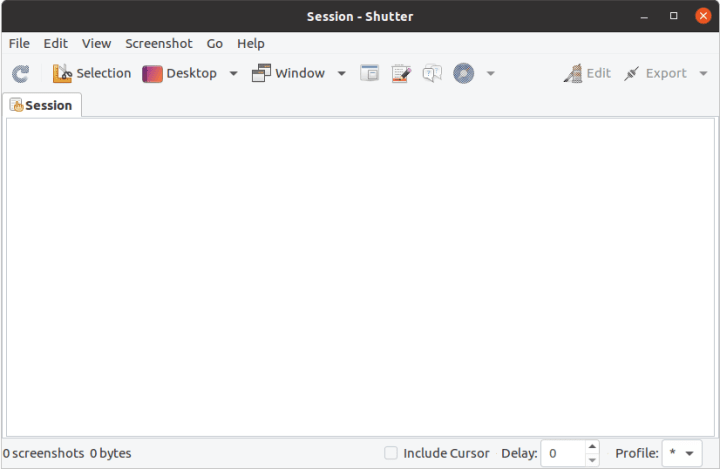
Shutter allows you to take screenshots of selections, your entire desktop – including different workspaces, and individual application windows. Screenshots are displayed in tabs, so you can conveniently scroll through your session gallery. Sessions are also preserved across application restarts.
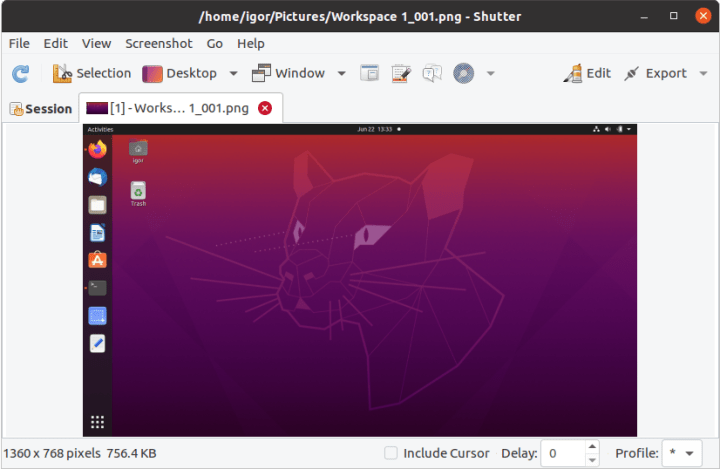
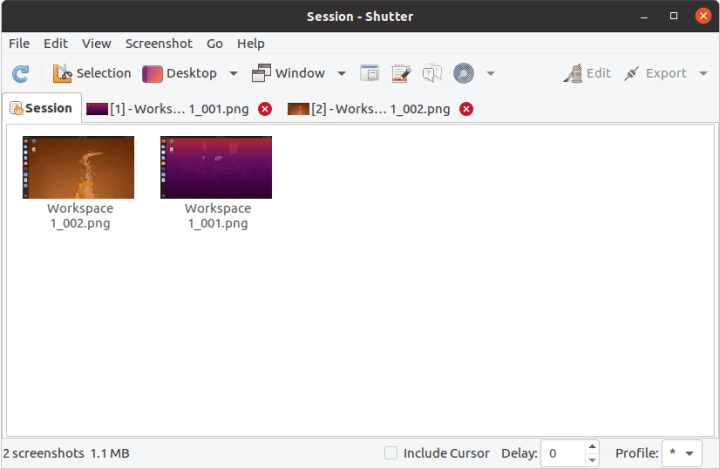
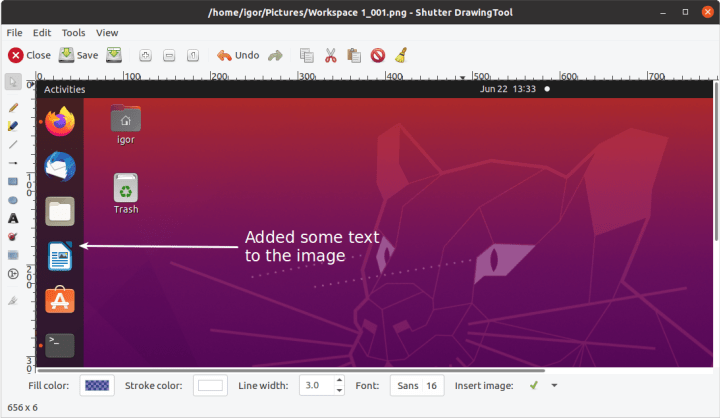
You can also edit images. Shutter comes with an integrated drawing tool, offering a limited if still quite powerful image editing set. This means you do not necessarily have to export your screenshots to a program like GIMP, you can make some basic changes and decorations inside Shutter. You can add layers, type in text, draw various shapes including arrows, or fill parts of the image with different colors.
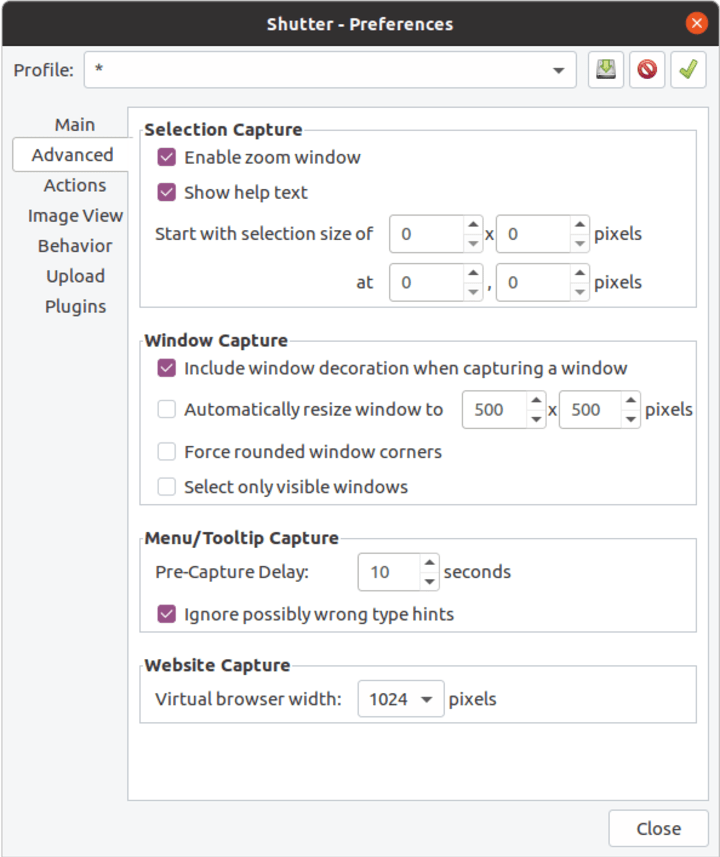
On top of that, the detailed preferences section allows you to tweak your workflow, including image export to online sharing services. This makes Shutter a handy tool for collaboration, in addition to local work with screenshots. Furthermore, you can configure multiple profiles, allowing you to use different settings for specific usage scenarios.

Not everything is perfect …
However, certain features do not currently work, including some outstanding problems that were present in Shutter even in the earlier days of its popularity and have not been resolved or patched. Shutter can take screenshots of specific application menus, balloon tips and other overlay elements on the desktop, but this may not necessarily work as intended. Plugins – a series of automated image modifications like distort, sepia, polaroid and others may also be outdated and not work as expected.

This is where you step in!
With Shutter’s functionality enshrined and secure as a snap, users can have a reliable experience on modern Linux distributions, even if the application is no longer available in the standard repository archives. It is packaged using strict confinement, which ensures isolation from the underlying system, and it will run without any library dependency conflict. This means we can focus on trying to improve the functionality where possible – with Shutter as well as other software.

We would like to ask you for your help and ideas. If you have old applications that merit preservation and still have relevant use cases in the modern age, please start a thread on the snapcraft forum so we can discuss the best way to include it in the Snap Store.
Moreover, if you think you can assist in helping resolve outstanding bugs in old software currently in the Store catalog, like say Shutter, we would also like to hear from you. Indeed, in the coming weeks, we will have an article that outlines all the different ways you can help and contribute to the development of the snap ecosystem.
Superhero photo by Ali Kokab on Unsplash, main page photo by Jakob Owens on Unsplash.


